
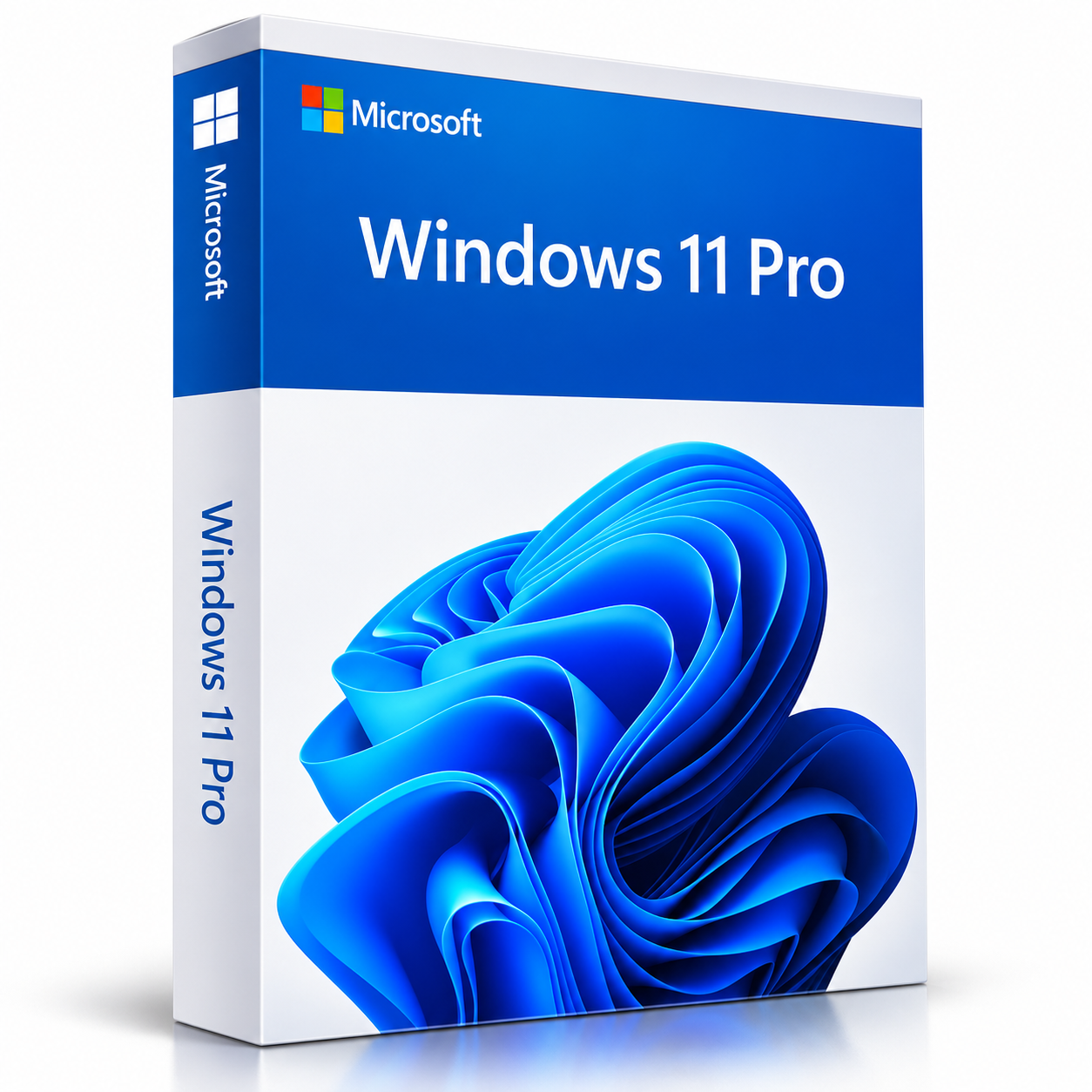
Windows 11 Pro – Retail License Key-1Pc Lifetime
Original price was: ₹15,000.00.₹179.00Current price is: ₹179.00.
Description
Windows 11 Pro – Retail License Key
Upgrade your PC to Windows 11 Pro with a digital retail license key. Get access to advanced Windows Pro features with one-time activation for a single device.
Product Specifications
- Product: Windows 11 Pro
- License Type: Retail Key
- Device Limit: 1 PC
- Validity: Lifetime
- Activation: One-Time Activation
- Delivery: Instant Digital Delivery
- Delivery Method: Email
- Product Type: Digital Product
- Support: WhatsApp & Call Support
How to Activate Windows 11 Pro
Activate your Windows 11 Pro using these simple steps:
- Open Windows Settings.
- Navigate to System → Activation.
- Click Change product key.
- Enter your purchased Windows 11 Pro license key.
- Click Next and then Activate.
That’s it! Follow the on-screen instructions to complete your Windows activation.
Why Choose Windows 11 Pro?
- Advanced Windows Pro features
- Enhanced security and device management features
- Designed for professional and business use
- One-time product key activation
- No recurring subscription payment
- Convenient digital delivery
Frequently Asked Questions (FAQ)
1. What is the Windows 11 Pro License Key?
It is a digital product license key used to activate Windows 11 Pro on one PC.
2. Is this a physical product?
No. This is a digital product. Your license key will be delivered to your registered email address. No physical product will be shipped.
3. When will I receive my Windows 11 Pro license key?
Your license key will be delivered to your registered email within 5 seconds of successful purchase.
4. Can I use this key on multiple PCs?
No. This license is intended for activation on one PC only.
5. How long is the license valid?
The license offers lifetime validity for the activated device, subject to the applicable license terms.
6. Is this a genuine Microsoft product key?
We provide Windows 11 Pro product keys for activation. Please contact us if you need assistance verifying your license.
7. How do I activate Windows using this key?
Follow these simple steps:
- Open Windows Settings.
- Go to System → Activation.
- Select Change product key.
- Enter your purchased license key.
- Click Next and then Activate.
Follow the on-screen instructions to complete activation.
8. What if my license key doesn’t activate?
If you face any activation issues, contact our support team. We will help you troubleshoot and resolve the issue.
9. What if I don’t receive my license key?
Although delivery is automatic, if you don’t receive your key, contact us. Our team will assist you and provide your license key.
WhatsApp / Call: +91 8660911219
Need Help? We Are Here for You!
Have questions about your purchase, delivery or activation? Our support team is ready to help.
SoftFlare Hub Customer Support
Contact Us on WhatsApp: +91 8660911219
SoftFlare Hub – Your Trusted Software Partner.


Reviews
There are no reviews yet.